



Spinsahara App for Mobile and Desktop
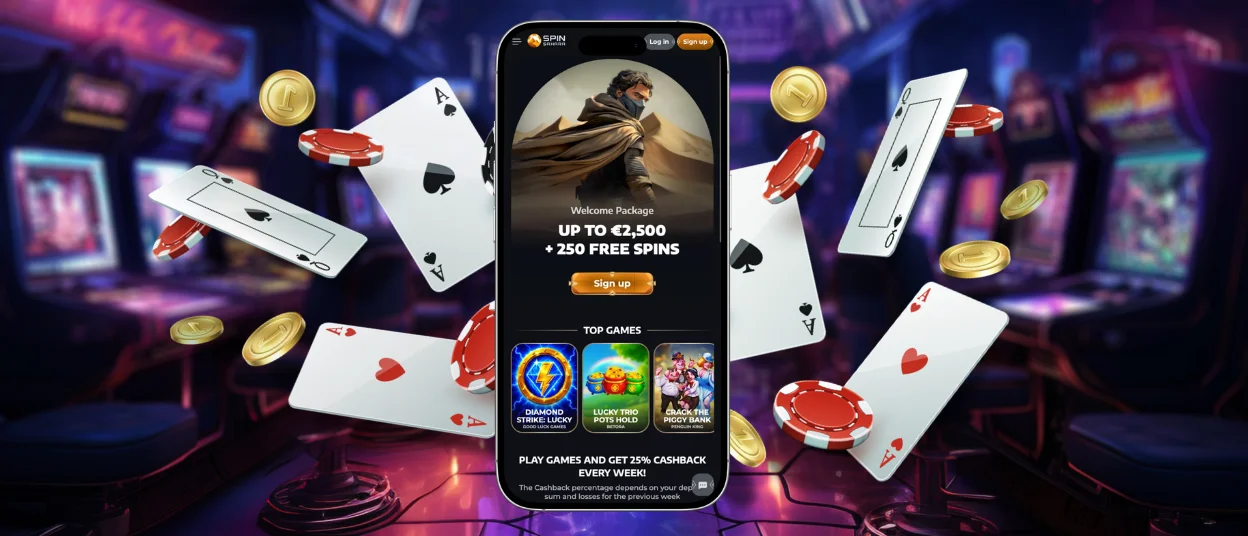
The Spinsahara app is available as a progressive web app (PWA), so you can keep the casino on your home screen or desktop without installing a separate mobile or PC program. Add it once, and the Spin Sahara icon stays alongside your other apps for direct access from your phone, tablet, or computer.


Spin Sahara App for Android
Android users can add Spinsahara Casino to the home screen directly through Chrome. The process does not require a Spinsahara APK because our PWA works through the browser rather than an Android installation file.
To set it up:
- Open Spinsahara in the Chrome app.
- Tap the three-dot menu in the browser.
- Select “Add to Home screen”.
- Tap “Add to confirm”.
Chrome then creates a dedicated home-screen entry for the casino. You can place the icon alongside other frequently used apps, making Spinsahara easier to reach on an Android phone or tablet.
The setup remains browser-based, so no external installer or third-party utility is required.
Spinsahara App for iOS
On an iPhone or iPad, Safari provides the tools needed to add Spin Sahara to the home screen. The process uses the browser’s built-in sharing menu and takes only a few steps.
- Open Spinsahara in Safari.
- Tap the “Share” button, shown as a square with an upward arrow.
- Scroll down and select “Add to Home Screen”.
- Review the displayed name and tap “Add”.
Safari will place the app entry on the home screen. Before confirming the setup, you can edit the displayed name if you prefer a shorter label.
The new icon becomes part of the standard iOS home-screen layout and can be moved to another position or folder in the same way as other icons. This gives iPhone and iPad users a dedicated entry point to the casino without requiring an App Store installation.
Spinsahara App on Desktop
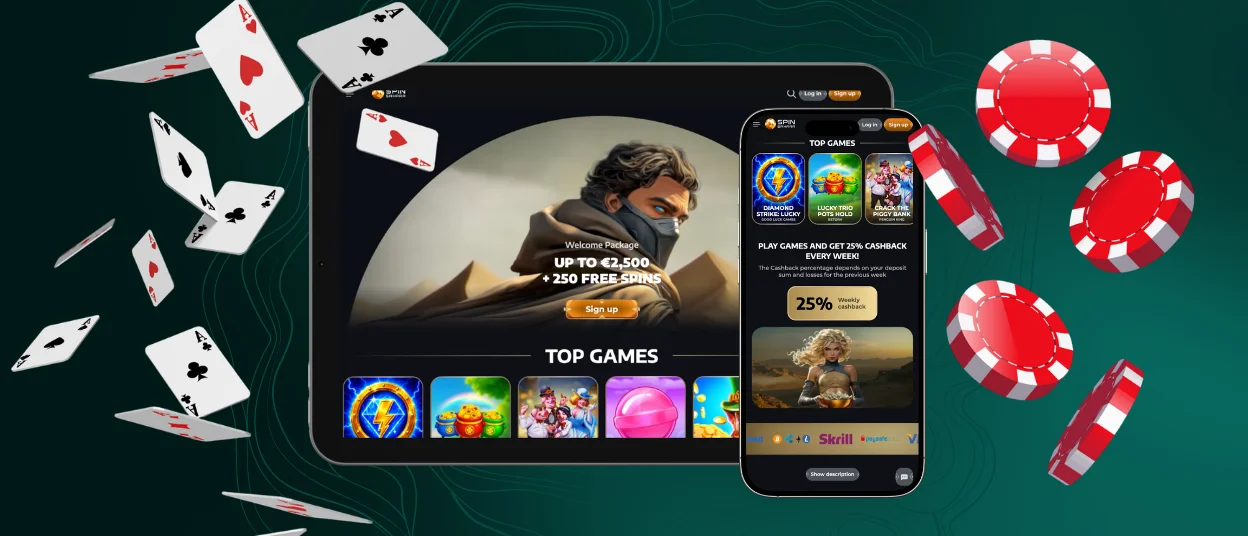
You can keep Spin Sahara within easy reach on a desktop or laptop as well. If your browser supports PWA installation, add Spinsahara from the address bar or browser menu. You can also create a regular website shortcut and place it on your desktop.
Where the icon appears depends on your system and browser. It may be available from the desktop, taskbar, dock, or app list. There is no separate installer for Windows or macOS.
If you use Spinsahara regularly on the same computer, a shortcut makes access more direct. Instead of searching for the site again or opening it from browser history, you can launch the casino from the saved icon and continue from there.
What You Can Do in the Spinsahara App
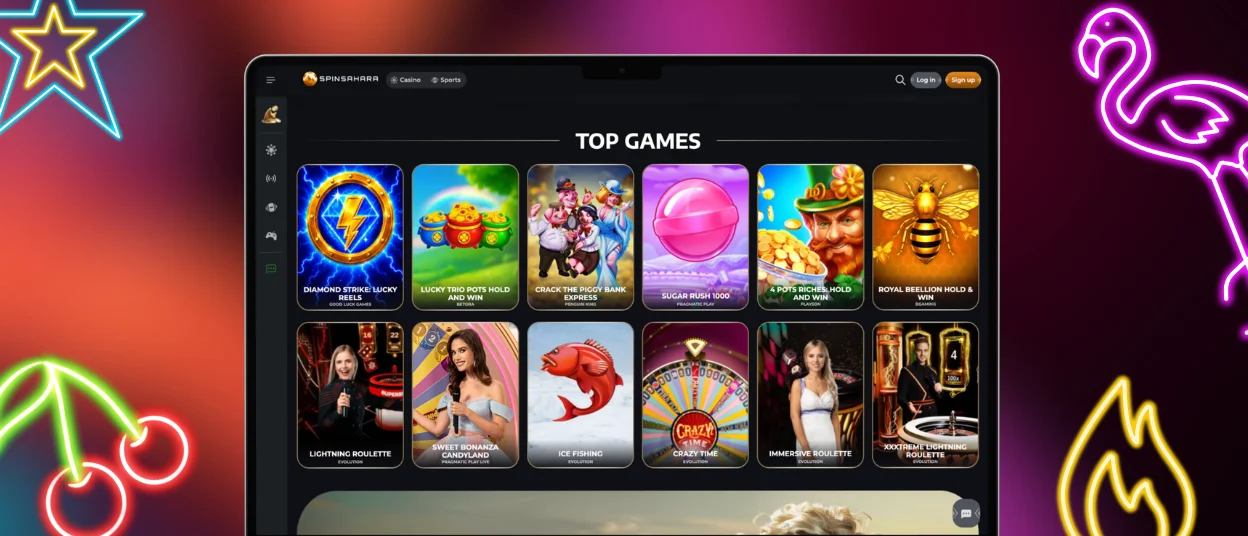
You can use the Spinsahara PWA as your regular way to access the casino on mobile or desktop. It keeps the main gaming and account tools in one interface, so you do not need to switch between different versions of the platform. Here are the key options available in the app:
| Feature | What You Can Do |
| 6,000+ casino games | Browse slots, table games, instant-win titles, and live casino games from our current catalog |
| One account across devices | Use the same profile when switching between mobile and desktop |
| Deposits and withdrawals | Fund your casino account and submit withdrawal requests through the account interface |
| Bonuses and promotions | Review offers connected to your account and access their terms |
| Account settings | Manage supported profile details and casino account options |
| Demo play | Open supported titles without placing a real-money wager |
| Customer support | Contact our 24/7 team through live chat or email |
Real-money gaming and personalized account functions require a registered Spinsahara account.
PWA Security and Automatic Updates
A PWA operates inside the browser environment, where browser permissions control access to device-level resources. This creates a more restricted environment than software that receives broad system access after installation. Protected resources such as contacts, storage, or the camera remain subject to browser and device permissions.
Spinsahara uses HTTPS to encrypt data sent between your browser and our platform. Your account security also depends on how you protect your login details and device.
Updates are delivered through the web platform automatically. Users therefore do not need to download new versions manually when we update supported PWA features or interface elements.
For additional account protection, use a strong password, secure access to your device, and avoid opening Spinsahara through unfamiliar or untrusted links.
FAQ
I don’t see the option to add Spinsahara to my home screen. What should I do?
Check which browser you are using. On Android, open Spinsahara in Chrome. On iPhone or iPad, use Safari. The option may not appear if the site is open inside another app.
Spin Sahara won’t open from the icon. How can I fix it?
Try opening the site in your browser. If it works there, delete the old icon and add Spinsahara again.
What happens if I delete the shortcut?
Nothing happens to your account. You only remove the icon from that device. If you want it back later, just add Spinsahara to the home screen again.
Why can a game look different on mobile?
Not every game uses the same mobile layout. A game may look different on your phone because its mobile layout is not the same as the desktop one. If the screen feels crowded, try landscape mode.


