



Spinsahara Gaming Application
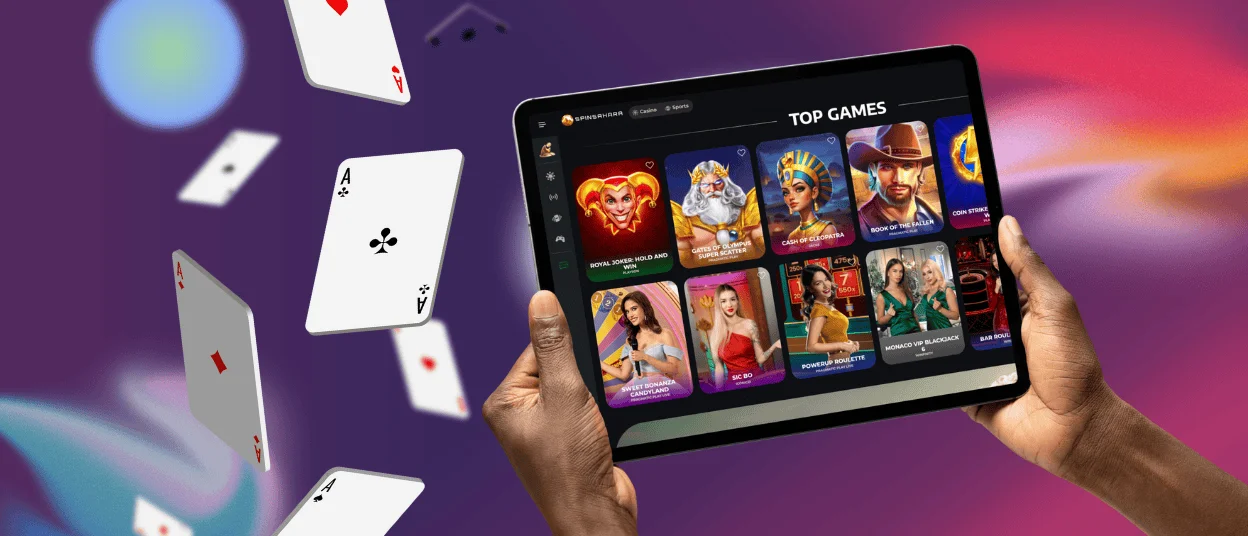
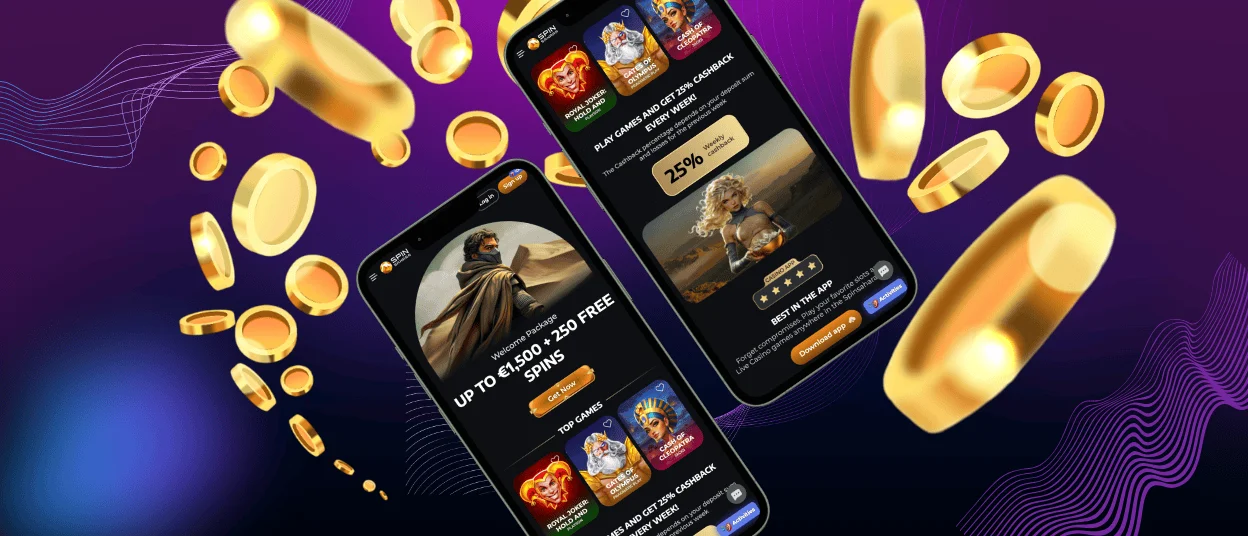
We developed a convenient Spinsahara app for Android and iOS because modern users prefer to have all their favorite titles on their phone for quick access. You can stay flexible and play anywhere, anytime. In the mobile software, you will find the whole game selection that fully adapts to the sizes of modern devices. Basically, it’s a reflection of the desktop version but made according to mobile rules.



Spin Sahara Casino at Your Fingertips
The Spinsahara app will definitely make your life easier. Now you don’t have to think about how to be home earlier to enjoy the games. You only need a phone and a stable internet connection. The mobile software is perfectly made to adapt to modern devices, their sizes and resolutions.
You’ll get access to more than 6,000 titles in different categories. All our software providers develop games that are compatible with Android and iOS devices. Besides that, there is no problem with making a deposit or withdrawing funds.
The progress in the app and desktop versions synchronizes. It means that after logging in to your account, you can combine your experience across PC and smartphone. On both devices, your progress will be saved.
If you have any questions or issues regarding the mobile software, you can always contact our 24/7 customer support team. They are available in the app via live chat or email. We will answer you quickly and assist with professional advice.
Spinsahara Casino Android Application
Android users can easily access the Spinsahara Casino website in any mobile browser. You can enjoy the same games and functions but adapted to a smartphone or tablet. But for a more personalized experience, we invite you to install the Spin Sahara app. To do that, you don’t have to download any unknown APK files that will use the storage on your device. The mobile version is developed as a progressive web application (PWA).
The Spinsahara app is compatible with all modern Android devices. It’s perfectly designed for touchscreen functionality. You can play games, make deposits or withdraw money, get bonuses and participate in tournaments. In the table below, you’ll find detailed instructions for installing it quickly and without issues.
| Step | Details |
| Visit our official website. | We recommend you download the app only from the official website to avoid fraud. |
| Click the “Casino App” button in the footer. | It is located at the very end of the homepage. The installation will start automatically and take no longer than a few minutes. |
| The Spinsahara Casino icon is on your home screen. | Now you can log in or create a new account and start enjoying the play. |
Spinsahara Casino iOS Application
If you have an iPhone or iPad, it’s not a problem at all, because you can also use the Spinsahara app smoothly on your device. Because of the App Store rules regarding gambling, you can’t download our mobile casino from the official store. Instead of that, you have the opportunity to install the PWA from our website. We regularly test it, so you can be sure that it’s fully safe.
The mobile Spin Sahara Casino version offers a huge game and bonus collection, payments, tournaments, daily missions, customer support and much more. You can register or complete the verification process directly in the mobile software.
Also, in every modern mobile browser, you can install a shortcut icon for a website to get quick access right from your home screen. It will also work for Spin Sahara. Follow our short instructions below to keep our mobile casino always next to you.
| Step | Details |
| Open the “Shortcut” app. | The app should be automatically installed on your device. |
| Click the “+” icon to create a new shortcut. | The icon is in the top right corner of the homepage |
| Tap “Add Action.” | Now, you should search for the Spinsahara website you want to create a shortcut for. |
| Click the button next to the shortcut name and select “Add to Home Screen.” | The button is in the form of a down arrow. |
| Tap “Add.” | Before doing it, you can change the name of the icon if you want. |
Downloads for Windows and macOS Applications
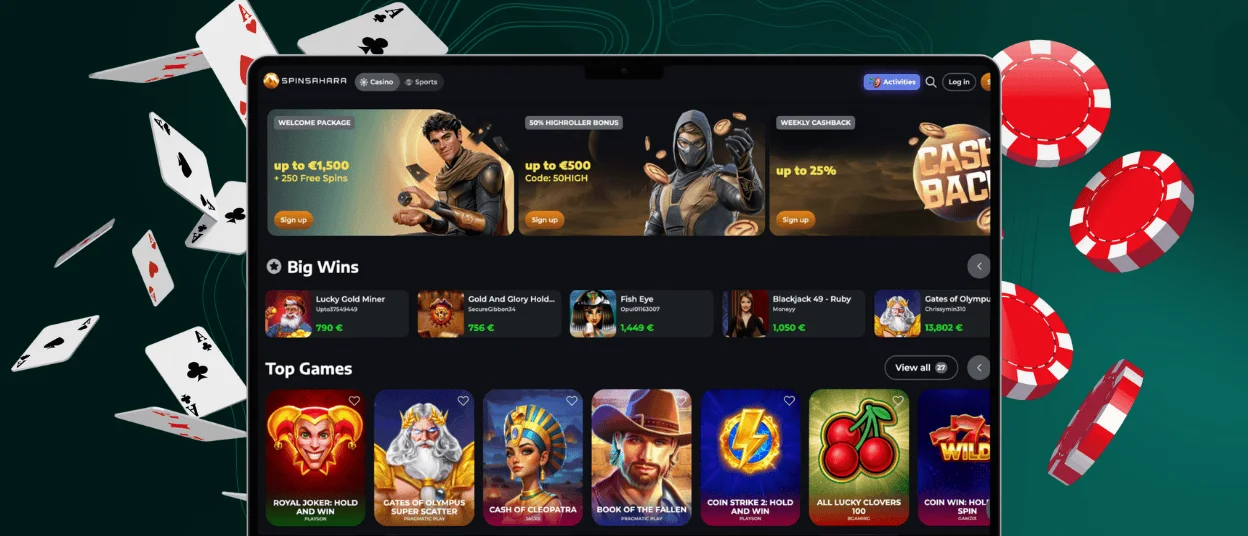
Some users prefer to enjoy their favorite online slots at home on their PCs or laptops. The whole process will be on a big screen, so you definitely won’t miss anything from your gaming experience. You can access Spinsahara Casino in any web browser.
For a more personalized experience with push notifications about news and your accomplishments, you can download a desktop application. You will have access to all the same functions, just more quickly and conveniently. The desktop version supports all Windows and macOS devices, works smoothly and has no issues.
FAQ
Does the Spin Sahara Casino App Offer Customer Support?
In the app, you will find the customer service live chat. Our managers are available 24/7 to resolve any issues with the platform. For more detailed issues, you can email us.
Is Creating an Account Required to Use the Spinsahara App?
You should have an account to use all the functionality of the Spinsahara app. For example, making a deposit and playing for real money is possible only after registration.
Are All Games Available in the App?
The full game collection with over 6,000 titles is available in the mobile app. It includes slots, table games, live dealer options and much more. They all perfectly adapt to smartphones or tablets and offer a great user experience.
How Can I Update the Spinsahara Casino App?
Most Spinsahara app updates are automatic, with no additional steps from your side. If we make big changes, we will send you a notification that you should install the newest version from our official website.


